


AI website builders and SEO work together up to a point. An AI website builder can give your site a solid SEO foundation with automatic sitemaps, generated title tags, and responsive layouts, but it won’t run your SEO for you.
To rank in Google and show up in AI answers like Google AI Overviews and AI Mode, you still need to check what the builder produces, fact-check its copy, and track how your pages perform.
Learn how to navigate AI website builders and your SEO now:
What are AI website builders?
AI website builders are tools that use machine learning to automatically create websites for people. The way they do this is that they walk the user through a series of questions about what sort of website they want, and then they put together a site that matches those requirements.
Why should AI website builders include SEO?
AI website builders should include SEO because the design of your site plays a big role in how visible that site is in web search and AI search. That’s why website builder must create a site that search engines can crawl and understand.
How to optimize SEO with AI website builders
AI site builders typically provide at least a few SEO features designed to help your site rank. The quantity and quality of these features varies between tools, but here are a few of the most common ones for helping you improve SEO with AI website builders:
- Sitemap creation: Many AI website builders will automatically generate an XML sitemap and even submit it to Google for you, getting the ball rolling on having Google crawl your site. Check the Sitemaps report in Google Search Console to confirm Google processed it.
- Title tags and meta descriptions: Typically, AI site builders will generate title tags and meta descriptions for the pages it creates. Review them before you publish since generated text can be inaccurate or generic.
- Responsive design: Google uses the mobile version of your site for indexing and ranking, so your site has to be mobile-friendly. Thankfully, AI tools generally take care of that by using responsive design, which optimizes the site for both desktop and mobile.
These features don’t cover every facet of SEO, such as visibility in Google AI Overviews and AI Mode. You’ll still need to do some work on your own to help your site appear in generative search experiences and web search.
While AI website builders and SEO are related, these tools are primarily meant for web design. They can help out with SEO, but you can’t sit back and expect them to manage the whole strategy for you.
Can AI-generative websites show up in AI search?
An AI-built website can appear in Google AI Overviews and AI Mode, but the builder doesn’t earn that visibility for you. Google says its generative AI features are rooted in the same core ranking and quality systems as the rest of Search, so the SEO basics above still decide whether your pages qualify.
Before and after launch, run these checks on your AI-built site:
- Confirm Google can index your pages: In Google Search Console, check that your sitemap was processed and that your key pages show as indexed.
- Fact-check generated copy: Google notes that generative models predict a likely sequence of words rather than retrieving facts. Review AI-written service details, prices, and claims before you publish.
- Check your AI feature settings: The Search generative AI control in Search Console manages whether your content can appear in AI Overviews and AI Mode. As a note, it doesn’t affect your visibility in other parts of search.
- Track AI visibility alongside rankings: OmniSEO®, WebFX’s platform for tracking AI search visibility, tracks citations and mentions for your brand and competitors in ChatGPT, Perplexity, and Google AI Overviews. Use it to see which pages AI answers cite and which questions your site still needs to answer.
5 of the best AI website builders for SEO
As we’ve noted several times already, it’s not always easy to improve SEO with AI website builders — it all depends on which tool you use. So, which tools are best for SEO?
Below, we’ll go over five of the best options, including:
Read on to learn more about each one!
1. Wix
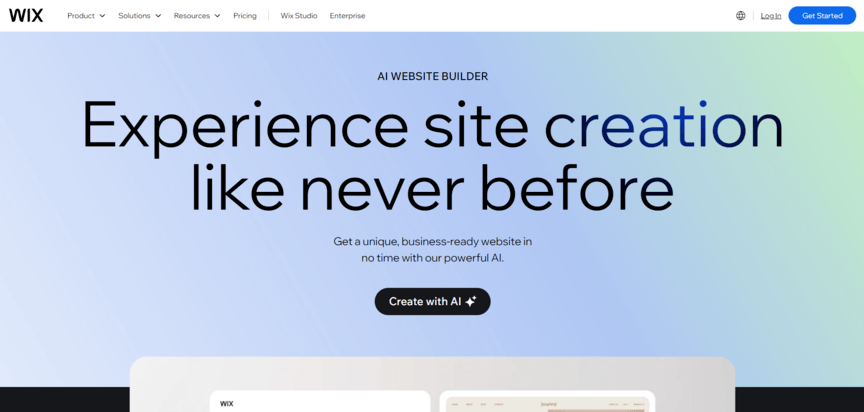
Price: Free (or $17+ per month for an upgraded plan)
Wix is already one of the best-known website builders out there, so it’s not all that surprising that its AI website builder, which replaced the older Wix ADI tool, is one of the best options as well. You can start building with it for free, which is a huge plus. In terms of SEO-related features, Wix offers:
- Sitemap creation
- SEO-friendly URLs
- Alt text generation for images
On top of these features, Wix includes a tool to guide you through the SEO tasks you have to do manually, such as optimizing meta tags.
2. Hostinger
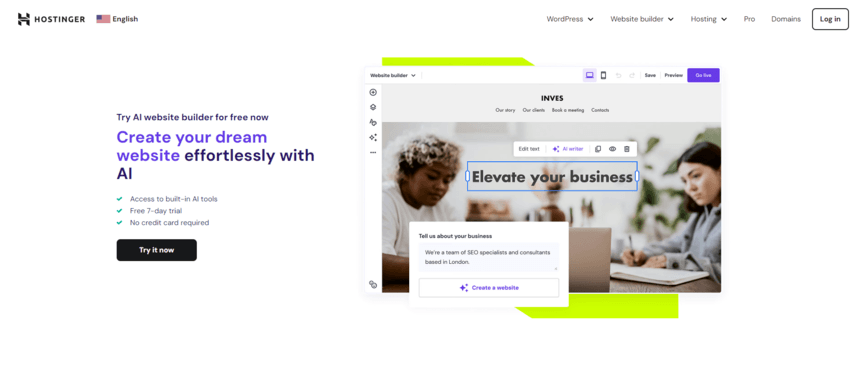
Price: $9.99+ per month
Another of the best website builders for SEO is Hostinger. Hostinger works in a way that’s very similar to Wix, with most of the same SEO-related features. Also like Wix, it includes a tool to offer tips on optimizing your content further for SEO.
Having said that, Hostinger is a good choice for companies that want to be a little more involved in the process. Rather than generating the whole site on its own, this platform uses a hybrid approach, walking you through the process of doing it yourself while using AI to automate certain parts.
3. Shopify
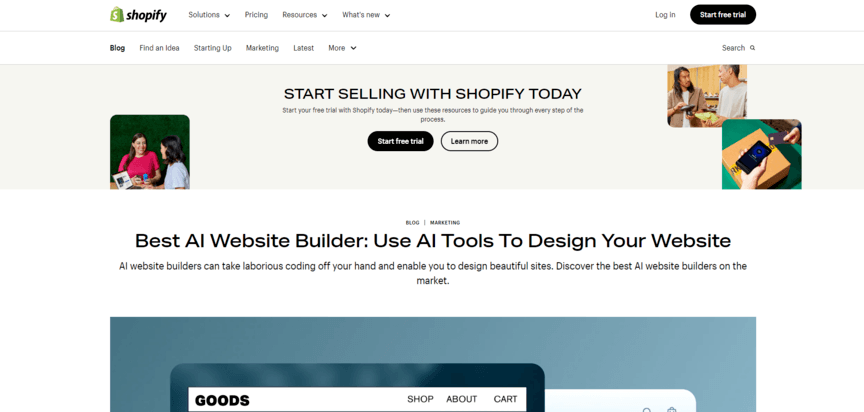
Price: $29+ per month
Shopify is the top content management system (CMS) for those who want an ecommerce site, and it maintains that status in the world of AI. Its AI site builder is free to use for all Shopify users (with Shopify subscriptions starting at around $30 per month).
While it doesn’t build an entire site from scratch, it can definitely help automate the process. Notably, its text generator offers the ability to write content for you. If you use it, edit and fact-check every draft, since generating written content with AI can go wrong in a number of ways.
Google warns that using AI to generate pages at scale (without adding value for users) may violate its scaled content abuse spam policy, which could result in a site penalty — and diminished visibility in Google’s search experiences.
One of the biggest advantages of Shopify’s AI ecosystem is Shopify Sidekick, an AI assistant you can chat with to automate simple tasks and streamline day-to-day ecommerce management. Shopify includes Sidekick and its other AI building tools on every plan, though specific features and usage limits vary by plan.
4. GoDaddy
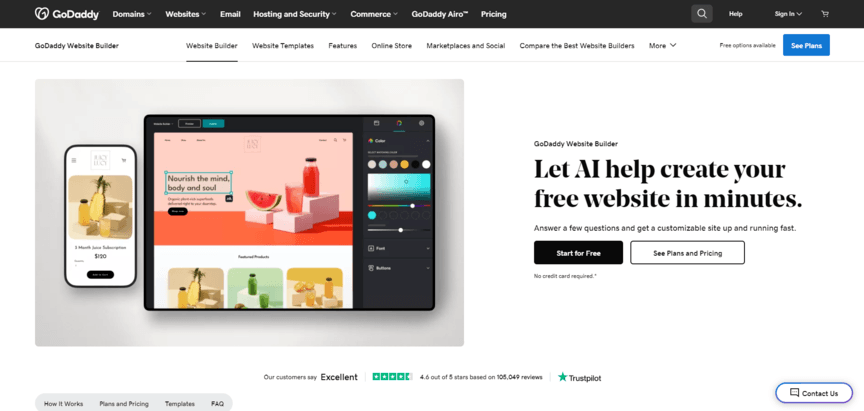
Price: Free (or $11.99 per month for an upgraded plan)
Building a website using GoDaddy’s AI tool starts in the usual way — you answer a bunch of questions about what you want for your website. Then it will generate a site for you, at which point you can edit it however you want. One of the great things about GoDaddy’s tool is that it gives you tons of customization options.
In terms of SEO, GoDaddy takes care of a lot of things automatically, like optimizing page load speeds and making the site mobile-friendly. On the downside, there’s no option to manually edit the mobile version of the site to make sure it’s as optimized as possible.
5. 10Web
Price: $10+ per month
Last on our list of AI site builders is 10Web. 10Web can do the usual process of creating a new website for you from scratch, but that’s not its best feature. This tool stands out for its ability to recreate your existing website in WordPress.
This is big for SEO. A lot of the best SEO plugins out there, like Yoast, are designed specifically for WordPress sites. If your existing website uses another platform, you’re missing out on the benefits of those plugins. But 10Web can take the URL of your current site and rebuild the whole thing in WordPress for you.
None of this is to say you have to have a WordPress site. But if you specifically want to migrate your site to WordPress, this is a great way to do it.
Build a better website with WebFX
All of the tools on this list can help you build a website quickly, and they all come with some SEO features. But as we’ve already mentioned, those features are a long way off from encompassing all the optimizations your site needs to rank high in search results.
If you want your site to show up in Google’s organic results and AI answers, you’ll get further with a partner that runs AI SEO and SEO as one unified strategy.
Whether you want help refreshing your company’s site or optimizing your existing one for SEO, WebFX can help. Our team has launched 1,050+ websites, and our web designers and SEO experts can handle the workload for you while still giving you complete control.
Just take our partnership with Enduric Plumbing, which partnered with WebFX on a website design and SEO program that saw organic sessions grow 303% year over year.
Ready to see how your website can create more revenue for your business? Just give us a call at 888-601-5359 or contact us online today to learn more about our web design and SEO services.
-
 Matthew Gibbons is a Senior Data & Tech Writer at WebFX, where he strives to help businesses understand niche and complex marketing topics related to SEO, martech, and more. With a B.A. in Professional and Public Writing from Auburn University, he’s written over 1,000 marketing guides and video scripts since joining the company in 2020. In addition to the WebFX blog, you can find his work on SEO.com, Nutshell, TeamAI, and the WebFX YouTube channel. When he’s not pumping out fresh blog posts and articles, he’s usually fueling his Tolkien obsession or working on his latest creative project. View full profile
 -

WebFX is a full-service digital marketing agency delivering revenue-driving strategies across online advertising, SEO and AI search optimization, and digital marketing. Backed by 1,100+ client reviews, a 4.9-star rating on Clutch, and proprietary revenue-tracking technology, our team helps businesses grow visibility and revenue across platforms, from Google to ChatGPT to LinkedIn. Discover how our expert team and revenue-accelerating tech can drive results for you. Learn more
Try our free Marketing Calculator
Craft a tailored online marketing strategy! Utilize our free Internet marketing calculator for a custom plan based on your location, reach, timeframe, and budget.
Plan Your Marketing Budget
Share this article


See AI Marketing in Action
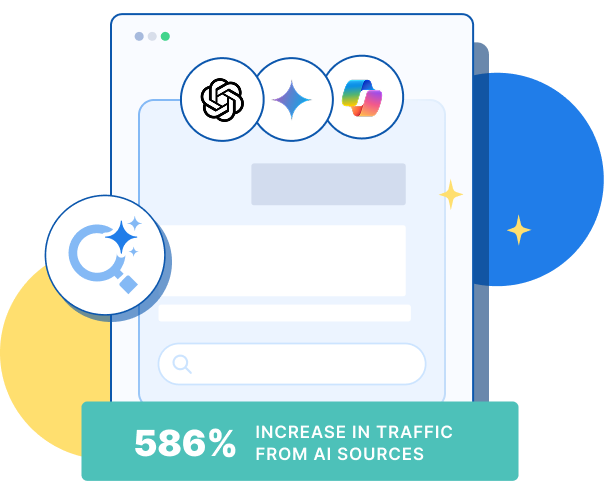
Explore how WebFX helped a regional brand get discovered in AI search experiences — proving what’s possible with today’s AI-driven marketing!
Try our free Marketing Calculator
Craft a tailored online marketing strategy! Utilize our free Internet marketing calculator for a custom plan based on your location, reach, timeframe, and budget.
Plan Your Marketing Budget