


How to use AI to diagnose Google Ads performance
- Use AI to analyze exported Google Ads data so you can spot patterns, surface trends, and diagnose performance changes faster.
- Start with strong signal health by making sure your campaigns optimize toward meaningful conversion actions tied to qualified leads and customers.
- Give AI real business context, like profit margins, sales capacity, and lead quality, so its recommendations reflect your actual goals and constraints.
- Follow a structured diagnostic process by exporting evidence, priming AI with context, interrogating the data, challenging recommendations, and turning the diagnosis into action.
In a modern Google Ads account, you’re not just running and refining campaigns. You are managing a complex, self-optimizing system, which can make it harder to quickly diagnose why performance changed. While that can feel like a loss of control, you can use the same AI powering these systems to uncover patterns faster and diagnose what’s happening.
You no longer need to pull data and manually parse through massive data sets just to spot themes that shape strategies and actions going forward. Instead, AI can help you ask better questions of your data, surface trends faster, and map out possible next steps, but it still needs the right business context to be useful.
In this post, you’ll learn how marketers can use AI to diagnose Google Ads performance changes more efficiently, pressure-test recommendations, and turn raw data into clearer action.
How AI currently works in the Google Ads platform
Google Ads rolled out Ads Advisor in December of 2025, and the product is currently in Beta for all English-language advertisers. The Ads Advisor is an agentic experience built with Gemini, integrated directly into your Google Ads data.
It is designed to monitor performance, understand reasons behind that performance, and ultimately make recommendations on how to maximize results tied to your business goals. It also serves as a standard help bot for policy violations, billing support, verification, and general education.
Currently, the greatest way you can use Ads Advisor is to spot high-level trends in the account. There is currently a disclaimer when opening the tool stating, “This product uses AI and may display inaccurate info.”
While the tool is functional but limited, often acting more as a conversational interface for existing reports than a true advisor, I am certain its diagnostic depth will improve throughout 2026, as Google’s product team focuses on AI.
Because the native Ads Advisor is still finding its footing, the most ‘forensic’ work currently happens outside the platform. To get a truly unbiased diagnosis, you must take the raw data to a neutral AI assistant.
Tools like TeamAI can help you analyze exported data, test diagnostic prompts, and turn raw data into clearer next steps.
Feeding the machine the right signals
Before beginning to work through exports from the platform, you must start by understanding conversion actions, customer personas, and the signals being fed to the account.
In an automated environment, diagnostics begin with signal health — the quality of the conversion and audience data your campaigns use to optimize. If your primary conversion actions include low-value signals, like clicks, newsletter signups, or other actions that don’t reflect real buying intent, AI may optimize toward those easier conversions instead of the actions most likely to drive qualified leads and customers.
By asking AI to connect traffic quality with cost per click, conversion value, and downstream ROI, you can start to see when the account is drifting toward a low-intent segment because the guardrails around bidding and conversion quality are too loose.
Strong results thrive from strong data — and that includes competitive signals. AI agents for competitor analysis can surface rival pricing, offer, and messaging changes that help explain why your conversion quality or CPC is shifting.
How to use AI as a thought partner
The most successful diagnostics don’t originate from AI. They come from marketers, who know how to leverage and interrogate AI. You can export change history, search terms, campaigns, and even your own lead data, then feed it to AI. It can successfully interpret this data, and when you begin asking the questions around the data, you receive informed answers.
1. Use contextual pushback
Contextual pushback is the step that makes AI recommendations more relevant to your actual business constraints. AI doesn’t know about your business’s capacity, profit margins, or lead-to-close rate.
You have to feed it this information to get a high-level diagnostic. Instead of asking AI, “How can I increase my ROAS?” and getting the obvious answer, “Increase your investment.” You must get detailed. For example:
“Your recommendation to scale the ‘Repair’ campaign assumes infinite capacity. Our CRM shows that ‘Repair’ leads have a 40% lower close rate than ‘Installation’ leads this month. Find me a way to redistribute that budget into ‘Installation’ search terms that have an impression share below 70%.”
This is AI leverage at its best. You are providing the business intelligence (the local constraints, the profit margins, the logistical bottlenecks) that the platform’s internal logic is blind to. By applying these real-world guardrails, you transform the AI from a generic sales bot into a custom efficiency engine.
2. Explore alternative perspectives
AI can also expand into areas that you may not have considered. Rather than turning to a co-worker who will restart the troubleshooting process, you can prompt AI to question areas you may not have provided data for. For example:
“Find three other non-obvious root causes that could link to those same symptoms.”
This efficiency helps you explore new areas, grow your mindset, and avoid bias. The greatest benefit of gathering these alternate perspectives is that you can often pull more data to feed into AI and potentially generate a new diagnosis for your results. This leads you to a more concrete understanding of why results are trending the direction they are, and pinpoints an actionable next step.
For Performance Max campaigns, Performance Max channel diagnostics can provide another source of evidence by showing asset and eligibility issues that may explain why individual channels are underdelivering.

AI Workspace for Business Teams
Imagine an AI workspace where you can collaborate with team members, share prompts, and leverage personas for generative AI.
Empower My Team with AI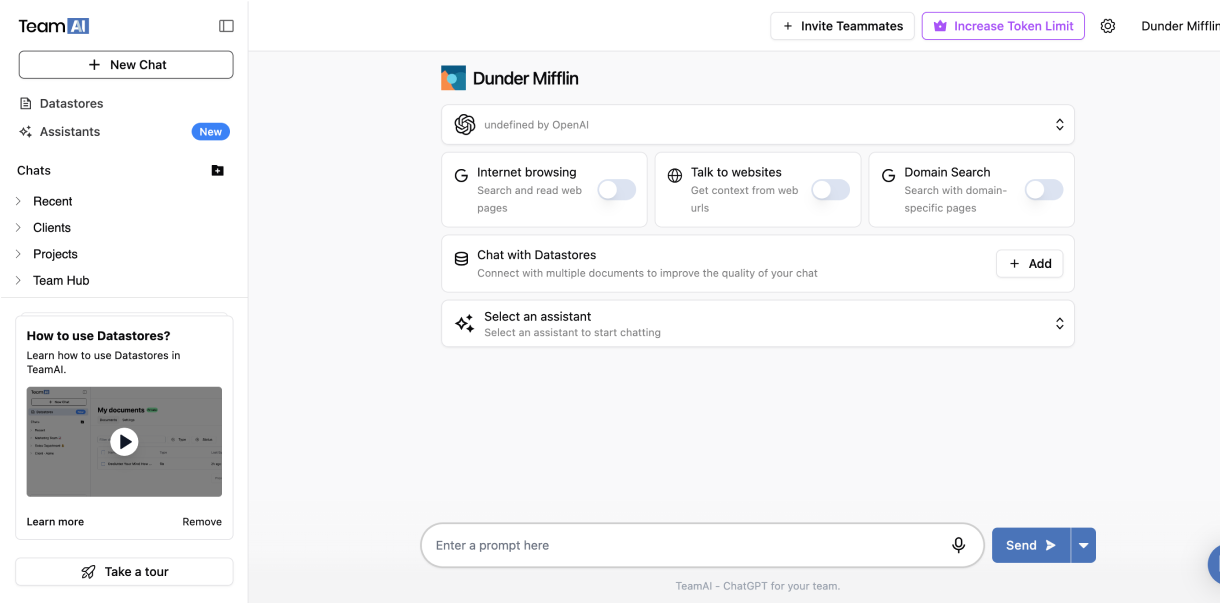
5-step operational workflow for diagnosing campaign performance with AI
Standardizing a process for using AI for results diagnostics eases the eventual evolution to a more signal-heavy strategy in search. While every account is unique, the process remains constant. Use this five-step framework to turn raw data into a diagnosis and next steps.
- Export evidence: Pull raw data from Google Ads, where you’re seeing the decline, and any supporting areas that you believe may be impacting the change in results.
- Prime AI: Consolidate the context that needs to be provided in order to get the best readout from AI. Remember: it doesn’t know whether it is your busy season, how much you can invest with, and how many jobs your available staff can work.
- Interrogate the data: Move past surface-level metrics and dig for information that can fill in the background of why results shifted. Look for intent drift or signal pollution.
- Challenge the recommendation: Challenge the first recommendation, especially if it aligns with your theory. Ask for non-obvious causes and provide the data to substantiate.
- Turn the diagnosis into action: Determine the cause and turn it into action. You should close out of your chat with precise next steps.
The quality of each step depends on how well your prompt — if you find the outputs feel vague or off-target, our guide on how to avoid generic AI outputs covers the context mistakes that undercut diagnostic prompts and the specific fixes that produce more accurate, actionable responses.
Turn Google Ads diagnostics into smarter next steps
Prioritizing signal health in Google Ads, practicing contextual pushback, and seeking alternate perspectives ensures that automation becomes a tool for growth. Google Ads is moving toward a more transparent, data-driven future. Success in this new era requires us to master the very tools that fuel Google Ads performance, using them as forensic instruments rather than automated crutches.
If you want a second set of expert eyes on your account, WebFX’s PPC audit services can help you uncover wasted spend, weak conversion signals, and missed opportunities across your campaigns. Our team uses data-backed analysis to identify what’s hurting performance and where you can improve ROI. Browse our PPC audit services to learn how we can help.
-
 Brooke is a Lead Paid Search Consultant specializing in full-funnel strategies and advanced Google Ads management. With oversight of more than $10 million in annual spend, she loves building custom reporting that cuts through the noise to deliver clear, actionable growth for businesses.
 -

WebFX is a full-service digital marketing agency delivering revenue-driving strategies across online advertising, SEO and AI search optimization, and digital marketing. Backed by 1,100+ client reviews, a 4.9-star rating on Clutch, and proprietary revenue-tracking technology, our team helps businesses grow visibility and revenue across platforms, from Google to ChatGPT to LinkedIn. Discover how our expert team and revenue-accelerating tech can drive results for you. Learn more

Try our free Marketing Calculator
Craft a tailored online marketing strategy! Utilize our free Internet marketing calculator for a custom plan based on your location, reach, timeframe, and budget.
Share this article


See AI Marketing in Action
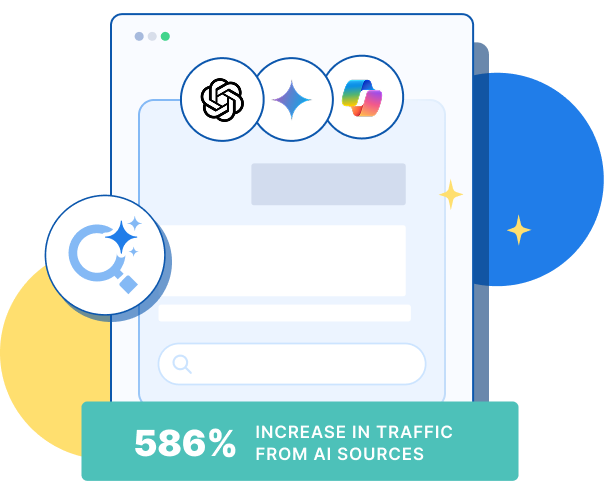
Explore how WebFX helped a regional brand get discovered in AI search experiences — proving what’s possible with today’s AI-driven marketing!
Try our free Marketing Calculator
Craft a tailored online marketing strategy! Utilize our free Internet marketing calculator for a custom plan based on your location, reach, timeframe, and budget.