Typography is a crucial component of a design. When used effectively, it sets the mood and solicits emotion about the design. Working with typography can be challenging, but fortunately, there is a plethora of free tools on the web that can help you work with type.
In this article, you’ll find 20 tools for working with typography. You’ll find an assortment of tools that’ll help you with testing, identifying, sizing, and even making, fonts.
1. Typetester
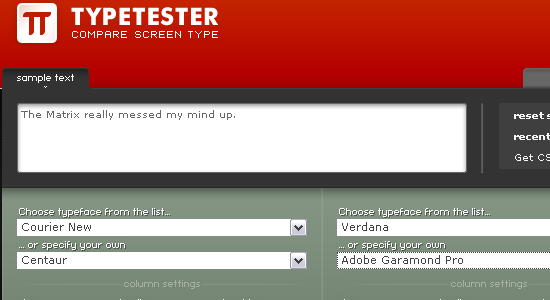 Typetester allows you to compare various fonts and styles on one page. You can try out different looks for your sample text by changing its styles and attributes.
2. FontStructor
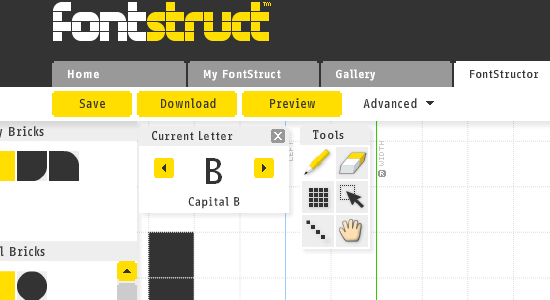 FontStructor is a free, web-based tool for creating your own fonts. It has an intuitive interface so don’t expect a high learning curve.
3. Font Tester
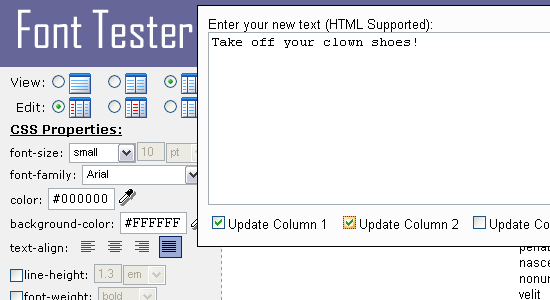 Font Tester is a free web-based tool for comparing different fonts. It shows you various fonts that you’ve selected side-by-side with their respective CSS style rules.
4. Typechart
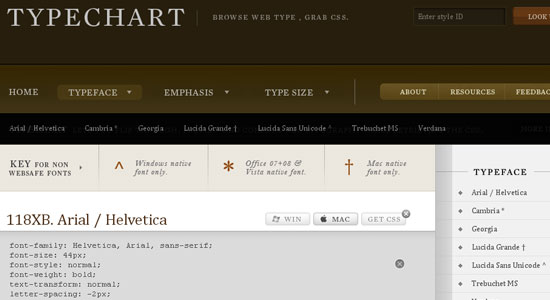 Typechart lets you quickly evaluate an assortment of web typography. Once you’ve discovered the font you like, you can use the Get CSS button to obtain the style rules for it.
5. OpenType Font Tester
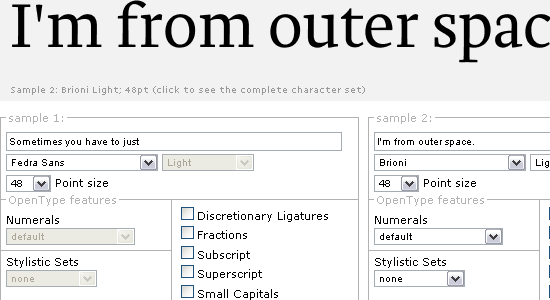 OpentType Font Tester is a web-based tool that allows you to test over 20 OpenType fonts.
6. CSS-Typoset Matrix
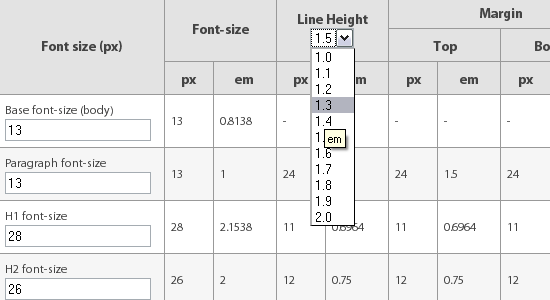 CSS-Typoset Matrix is a matrix that displays font sizes, line-heights, and margins (in pixel and em units) for various base font sizes. It also outputs the CSS code for you based on your inputs.
7. CSS Type Set
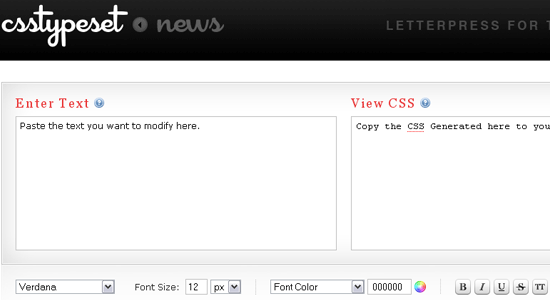 CSS Type Set lets you experiment with different styles and attributes (such as font size, font weight, font family) of web typography. Once you’re satisfied with your tweaking, it’ll generate the appropriate CSS code for you.
8. TypeNavigator
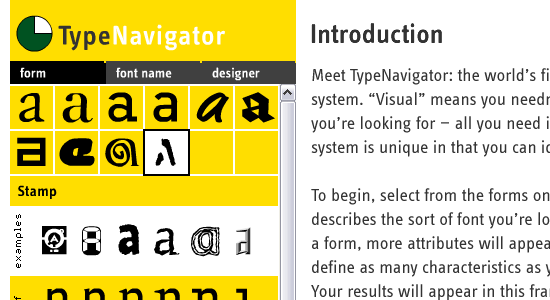 TypeNavigator is a simple and intuitive visual font search tool. It presents a series of images so that you can try and identify the name of the font you’re looking at. What’s great about visual search is that you don’t have to be familiar with the typography terms and the anatomy of type to be able to successfully find the font you want.
9. Hi-Res FontTester
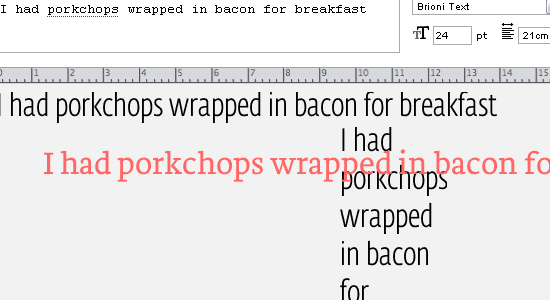 Hi-Res FontTester is a simple and straightforward tool for testing various fonts. You can create as many samples as you want, and then when you’re finished, you can export your tests in a PDF file for storing and sharing.
10. Font Burner
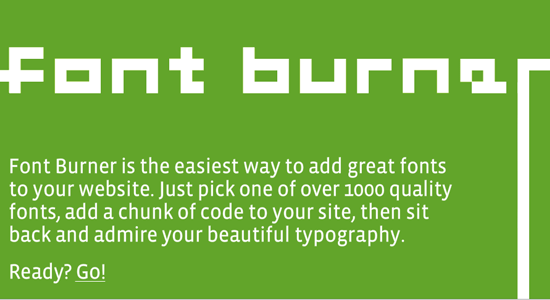 Font Burner lets you search for fonts that you can embed in your site. You can embed the font you’ve chosen on your web pages by copying-and-pasting the code they provide (which uses sIFR).
11. PXtoEM
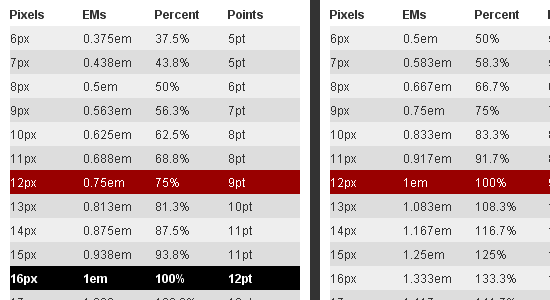 PXtoEM is simple web tool that gives you a matrix for pixel, em, percent, and point units based on your <body>’s font size. If you’re used to working with pixels but see the value in using em as your size unit, PXtoEM will lessen the need for you to reach for your calculator.
12. WhatTheFont
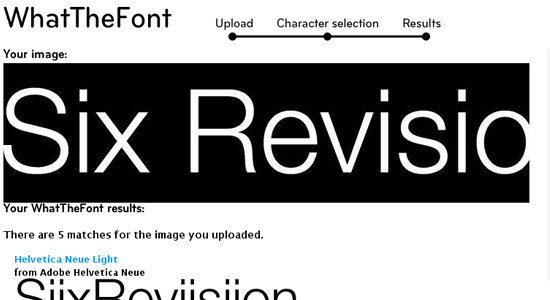 With WhatTheFont, you upload an image or screenshot of the font you’re trying to make out, and then it attempts to deduce the name of it.
13. Linotype Font Finder
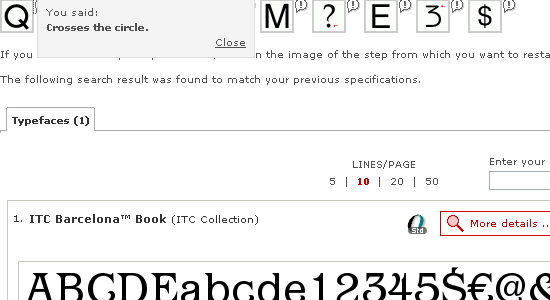 Linotype Font Finder helps you identify a font through a series of questions like “What type of tail does the upper-case ‘Q’ have?” or “Does the upper-case ‘U’ have a stem?”.
14. Identifont
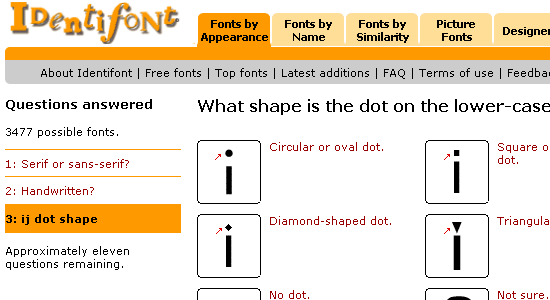 Identifont is a large online database of fonts that’s searchable. They also help you identify fonts by asking you a series of questions.
15. CSSTYPE
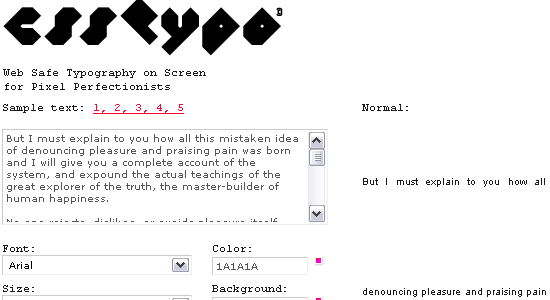 CSSTYPE is a free tool for experimenting with web-safe typography.
16. Fontifier
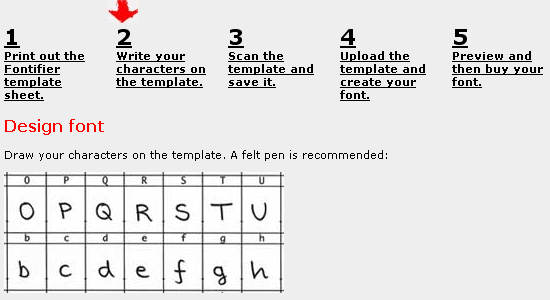 Fontifier is a tool for generating usable fonts based on your handwriting. This can be a great way to create a truly unique font for your designs.
17. Designer Plaything
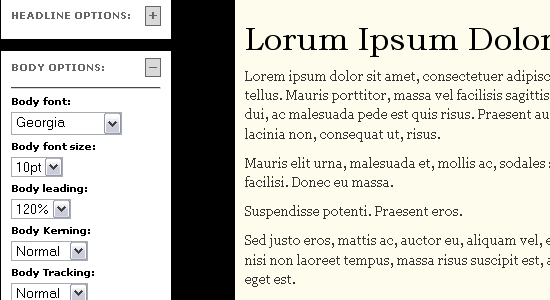 Designer Plaything lets you experiment with different web typography and color combinations. It also allows you to check color accessibility. There’s a web-based version and a downloadable version which you can grab on this page.
18. Serif Font Identification Guide
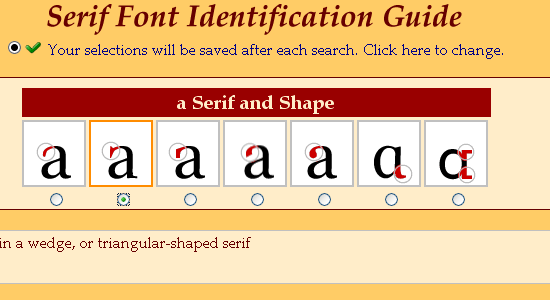 Serif Font Identification Guide is a visual font identification tool that presents a series of images that you pick from to closely match the font you’re trying to recognize.
19. Font Picker
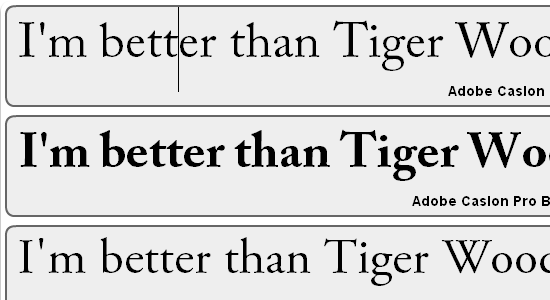 Font Picker is a simple web tool for browsing all the fonts available on your computer. It can be a useful tool for quickly previewing and selecting what font you want to use for a design.
20. CSSTXT
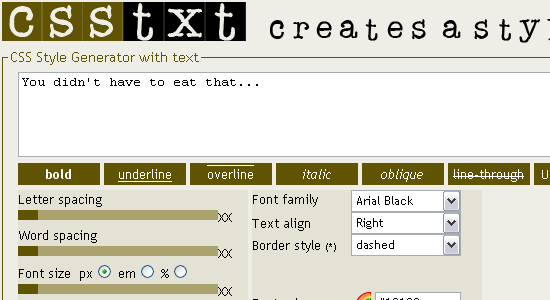 CSSTXT is an uncomplicated web tool for generating CSS style rules for web typography.
Missed your favorite?
If your favorite typography tool isn’t on the list, share it with us in the comments, we’d love to hear your thoughts.
Related content
-
 President of WebFX. Bill has over 25 years of experience in the Internet marketing industry specializing in SEO, UX, information architecture, marketing automation and more. William’s background in scientific computing and education from Shippensburg and MIT provided the foundation for RevenueCloudFX and other key research and development projects at WebFX.
 -

WebFX is a full-service marketing agency with 1,100+ client reviews and a 4.9-star rating on Clutch! Find out how our expert team and revenue-accelerating tech can drive results for you! Learn more
Make estimating web design costs easy
Website design costs can be tricky to nail down. Get an instant estimate for a custom web design with our free website design cost calculator!
Try Our Free Web Design Cost Calculator
Share this article




Web Design Calculator
Use our free tool to get a free, instant quote in under 60 seconds.
View Web Design Calculator
Make estimating web design costs easy
Website design costs can be tricky to nail down. Get an instant estimate for a custom web design with our free website design cost calculator!
Try Our Free Web Design Cost Calculator
What to read next