


Stylesheets can get large real quickly, both in terms of length and file size. To ensure that your web pages render correctly and quickly, here’s a compilation of some of the best free, web-based CSS optimizers/compressors, code formatters, and validation services. Check them out and pick the ones that work best for you.
Optimizing and Compression
CSS Optimizer
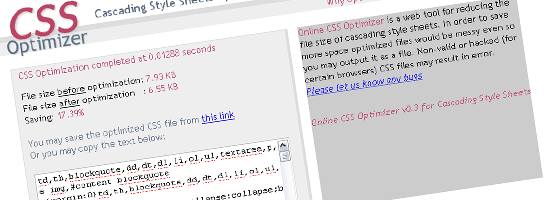 CSS Optimizer is a simple online optimizer that processes your current CSS and outputs the compressed version.
You have the option of linking to the URL of your stylesheet, uploading a CSS file, or directly inputting your styles. It’s a simple tool that’s “plug-and-chug” – there are no options, so the optimization procedure will remain the same for all your inputs (great if you’d like to standardize compression settings).
Clean CSS
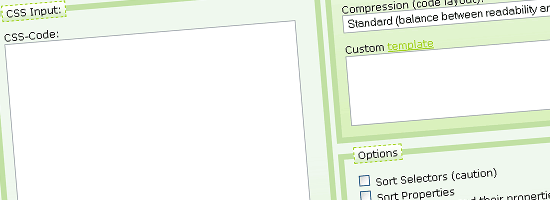 Clean CSS is based on the popular CSS minifier, CSSTidy. You can set your desired compression level (the trade-off to higher compression is more difficult readability) and customize compression options.
It prints out a line-by-line report afterwards to show you exactly what’s been changed. Also check out CSS Formatter and Optimiser, which uses a more recent version of CSSTidy (1.3dev).
CSS Drive Gallery- CSS Compressor
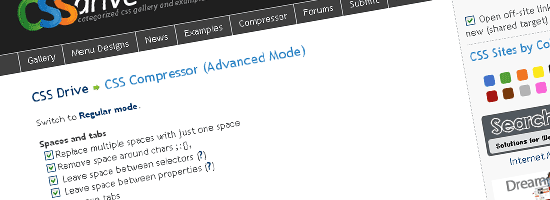 CSS Drive’s CSS compressor has two modes, Regular mode and Advanced mode (which has a few more options that you can set). You can remove the comments (strip comments option) or specify to strip comments that exceed a certain character limit, thus retaining comments that are short.
Regular mode is perfect for those that aren’t picky – just choose between Light, Normal, and Super Compact compression and you’re ready to rock.
Online CSS Optimizer
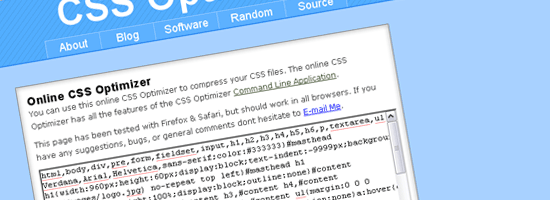 Online CSS Optimizer is another simple CSS optimization tool based on the CSS optimizer command-line application for OS X and Linux. You have two ways to input your CSS: either via the text box provided on the page or directly linking to your stylesheet. Sometimes you’ll find that you need to reverse the compression – you can do so by using the Uncompress CSS application on the site.
CSS Compressor
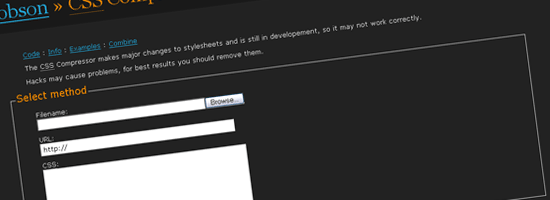 Another popular web-based CSS compression tool is Robson’s open-source CSS Compressor, (check out the CSS Compressor PHP source code).
There are plenty of compression options you can set that deals with colors, measurements (units), rules, and CSS properties. CSS Compressor also provides a useful Combine utility for simultaneously combining and compressing up to three separate CSS files.
Formatting
FormatCSS
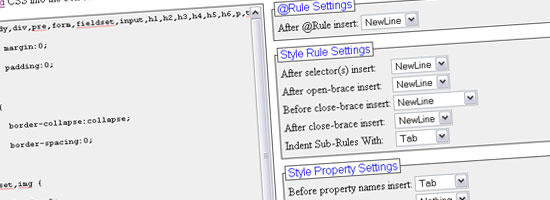 FormatCSS allows you to paste your valid CSS code, correcting and standardizing your source code. There’s several available settings and rules that you can apply to achieve the type of format you desire – including ordering your CSS alphabetically, de-capitalizing your code, and some options for dealing with styles.
prettyprinter.de
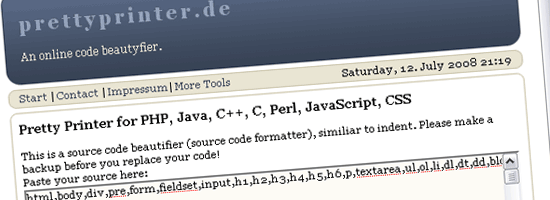 prettyprinter.de isn’t limited to CSS – it also formats PHP, Java, C++, C, Perl and JavaScript – so it’s a terrific “one-stop-shop” for your formatting needs if you happen to work with any of the other supported languages.
It has a total of 13 different options you can set including “Reduce Whitespace”, “Remove empty lines”, and automatically adding new lines after curly brackets.
Tabifier
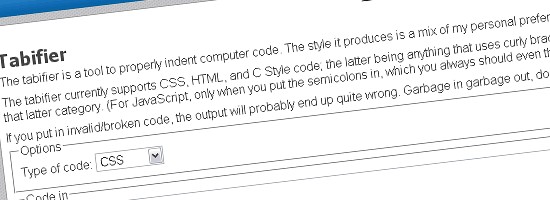 Tabifier is multi-language web-tool specifically designed for standardizing indents in source code. It supports HTML, CSS, and C Style. It’s a simple tool, excellent for quickly formatting your indents.
Validating and Checking
The W3C CSS Validation Service
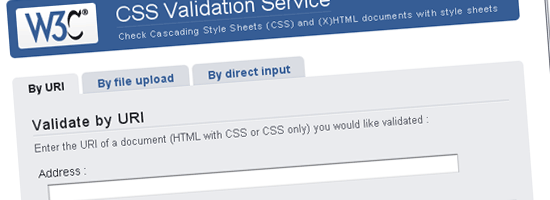 Perhaps the most common web-based validation service for CSS is the W3C CSS Validation Service.
It’s very simple to use, just enter the URL of your stylesheet and it will output the status of your stylesheet and point out errors, warnings and other issues.
Juicy Studio: CSS Analyser
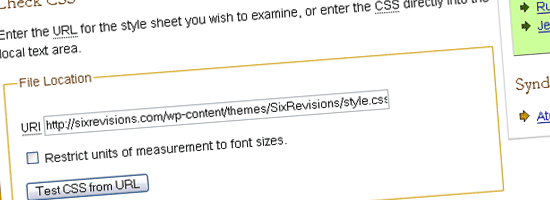 Juicy Studio’s CSS Analyser combines the W3C validation service with additional checks of color contrast (helpful for vision-impairment accessibility issues) and units of measurement used in your source code. You can input the CSS either via the URL or copying your code onto the text box provided on the page. The result is a very detailed breakdown of errors and warning about your CSS, similar to the W3C CSS Validation Service.
CSS Redundancy Checker
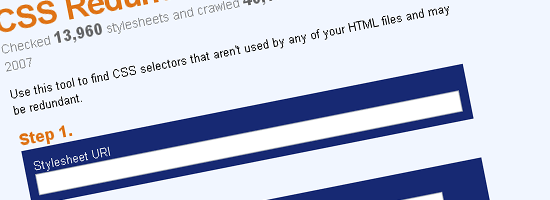 CSS Redundancy Checker is a simple tool for checking to see if you have redundant styles that can be combined.
This reduces unneeded styles and is a good way to check your work. It’s a three-step process: simply link to your stylesheet, put a few pages that use the stylesheet, and press the “check” button. The output is a detailed list of suggestions and places where you can reduce code by combining redundant styles.
If you’ve used any of the tools above, please share your experiences (good and especially bad) with us in the comments. Since these are automated and have standard processing methods, please exercise caution and use your own judgment when using the outputs – things can get badly broken so do thoroughly test the results! If you liked this post, these other posts might also be interesting to you:
-
 President of WebFX. Bill has over 25 years of experience in the Internet marketing industry specializing in SEO, UX, information architecture, marketing automation and more. William’s background in scientific computing and education from Shippensburg and MIT provided the foundation for RevenueCloudFX and other key research and development projects at WebFX.
 -

WebFX is a full-service marketing agency with 1,100+ client reviews and a 4.9-star rating on Clutch! Find out how our expert team and revenue-accelerating tech can drive results for you! Learn more
Make estimating web design costs easy
Website design costs can be tricky to nail down. Get an instant estimate for a custom web design with our free website design cost calculator!
Try Our Free Web Design Cost Calculator
Share this article




Web Design Calculator
Use our free tool to get a free, instant quote in under 60 seconds.
View Web Design Calculator
Make estimating web design costs easy
Website design costs can be tricky to nail down. Get an instant estimate for a custom web design with our free website design cost calculator!
Try Our Free Web Design Cost Calculator